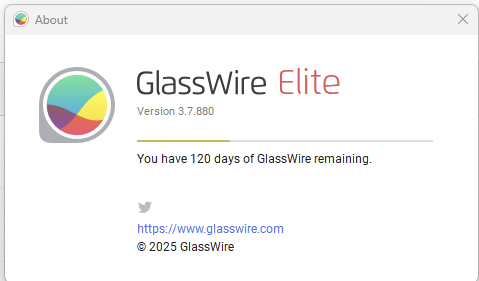
Vote of no confidence! I blocked in connections and out connections on KeePass 2.59 but yet it continues to allow the update check. In previous versions of Glasswire when I used the check for updates in Keepass it was blocked now it allows a connection. I am using Version 3.7.880. How else can I verify Glasswire is working?
Hmm, I’m using their portable version (v2.59) and have no issues blocking the outbound connection with Glasswire Pro v3.7.880:
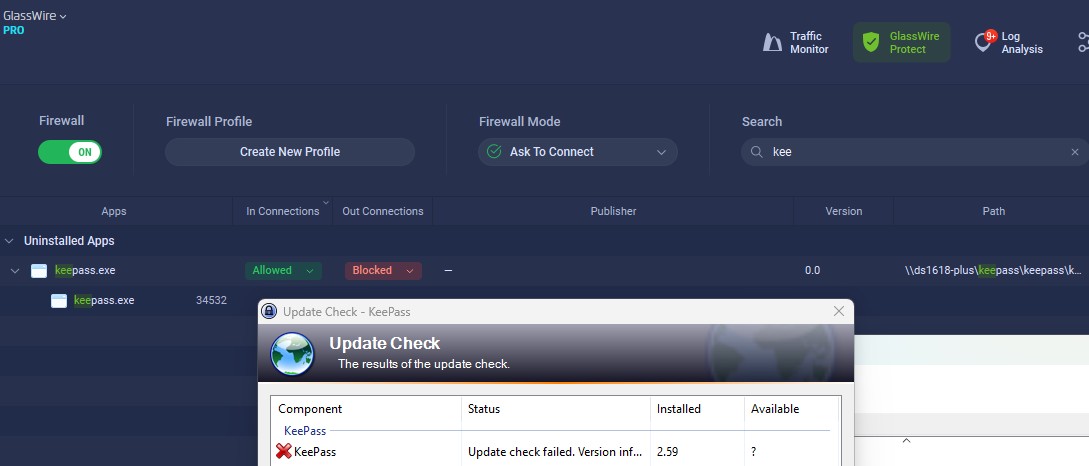
rng, thank you for your reply. That is additional confirmation that my Glasswire is not working.
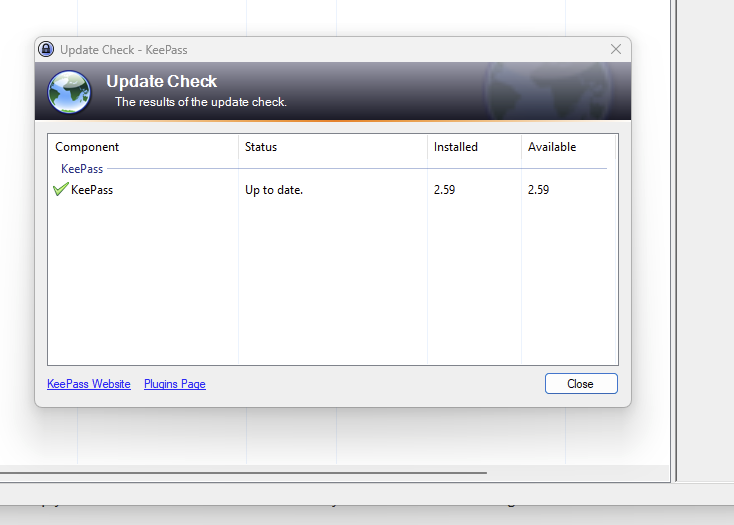
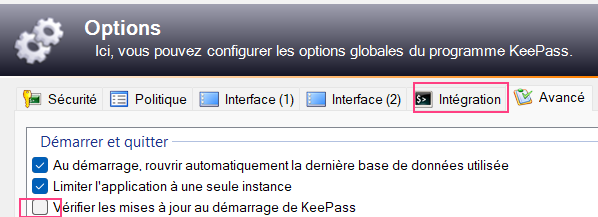
Hi EricDPeoples
You could try to remove all the current rules for Keepass
Then see if you get a prompt to allow or block the update check…
That’s what i would try first.
I’m not familiar with KeePass but might it use a secondary application for the update check and this is no longer blocked?
Are you using some VPN or local proxy?
I am using a VPN and was when Glasswire blocked Keepass in the previous version of KeePass and Glasswire
The check update is baked into Keepass
1 Like
The Check for Updates in KeePass has been blocked in the previous versions of Keepass and Glasswire
Thank you for verifying my suspicion that Glasswire is not working and my no confidence in Glasswire is justified.
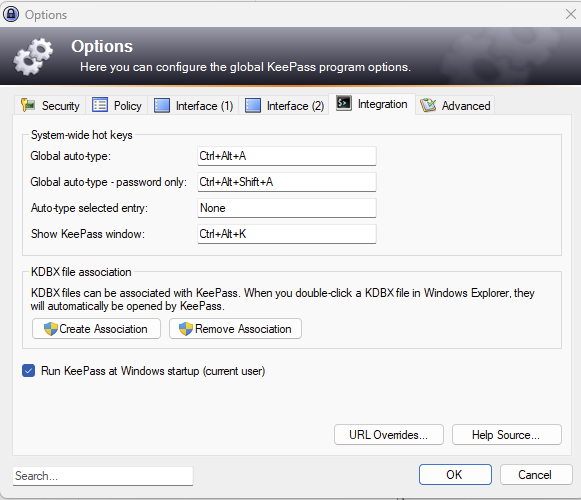
Can anyone at Glasswire fix my Glasswire?
No fix for Glasswire as of Tue 9-9-25 10:22 AM. How convenient (sarcasm) for Glasswire that they do not have a direct telephone contact info to tech support. I am forced to go back and for on this forum and emails answering the same questions and performing the same uninstall, re-install (all options) and getting the same run around. If Glasswire’s goal is to wear their customers down so the will give up they are doing a good job. I started this back and forth sometime around March 2025
VPNs can be problematic. If the VPN uses a proprietary TAP adapter (a type of virtual network interface) then GlassWire may not be able to see the traffic from individual applications. Similarly, Windows Firewall may not be able to block the application. It all depends on the VPN and the mode it operates in. There have been report of problems from Nord users in particular.
You said it was working before. Have you changed your VPN vendor or config? Have KeePass perhaps changed how their update process connects?
Perhaps test if the VPN is the issue by temporarily disabling it and checking if GlassWire does then block it.
1 Like
I have tested this with the Portable Version and it wont update till i download the new version and install over the top of the current version.
It the version you have is not the portable version it may give that a try. Back up the database, remove your version installed and try the portable app.
ittroll Is correct re VPM GlassWire may not be able to see the traffic from individual applications.
I did test the portable version with a VPN and Keepass still wont auto update.