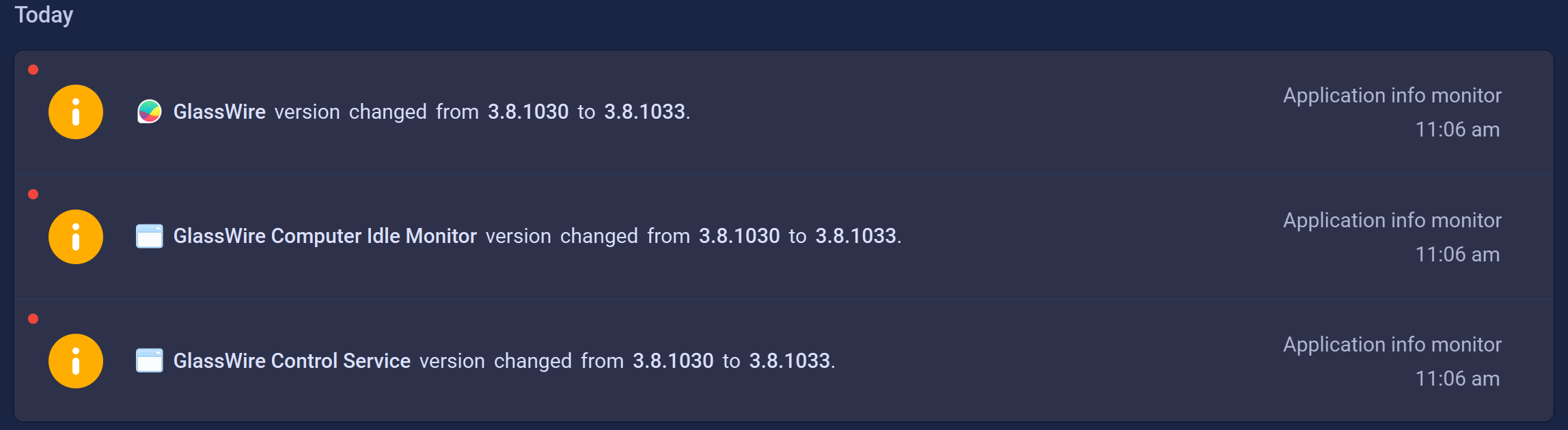
EDIT::: Somehow I managed to bludgeon it into working?? Multiple attempts to roll back failed. Tried to do a full uninstall, froze up at the last step of deleting the Glasswire program folder. Had to keep “end task”, reboot, try again. Tried a couple clean installs, couldn’t get that to work.
Finally explicitly right clicked to run as administrator for the 3.8.1033 installer (hoping I could get it fully installed, in order to fully uninstall), and – it works now?!? I’m really confused. I lost all of my databases, which I expected with all of the clean uninstalls, etc, but very weird. It also abruptly understands I have an Elite key, which it hasn’t shown in months.
Not sure if I just managed to clean up the right thing finally, or if specifically running the installer as Administrator, or what, fixed it, but it does seem to be working for now…
ORIGINAL POST:
Registered just to chime in that it’s still a mess…
Just tried to update to 3.8.1033 after all of the issues of late. Glasswire hasn’t worked for me in months and have been too busy/distracted to try to troubleshoot. Just chiming in this one doesn’t work either, although strangely it TRIED to start for about 2 minutes after the first install (it was showing updated files, new connections, etc), and then crashed, and hasn’t worked since.
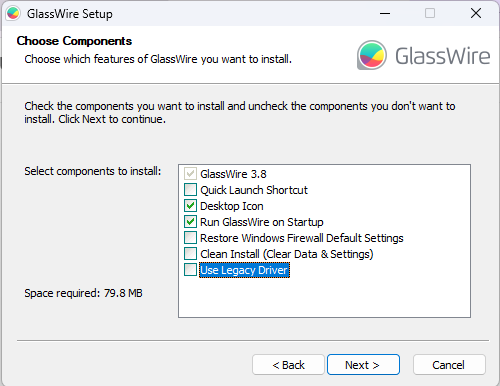
I have tried installations with and without legacy driver. No change, just shows that it can’t connect to local server anymore.
I had an “Elite” key from the good ol’ days but it seems to have forgotten my registration as well, but I doubt that has anything to do with it.
I am using an Asus X16 laptop, Windows 11 Pro 24H2, latest Intel wifi drivers.
Sending logs to support email…