It’s happening now. The graphs look pretty innocuous:
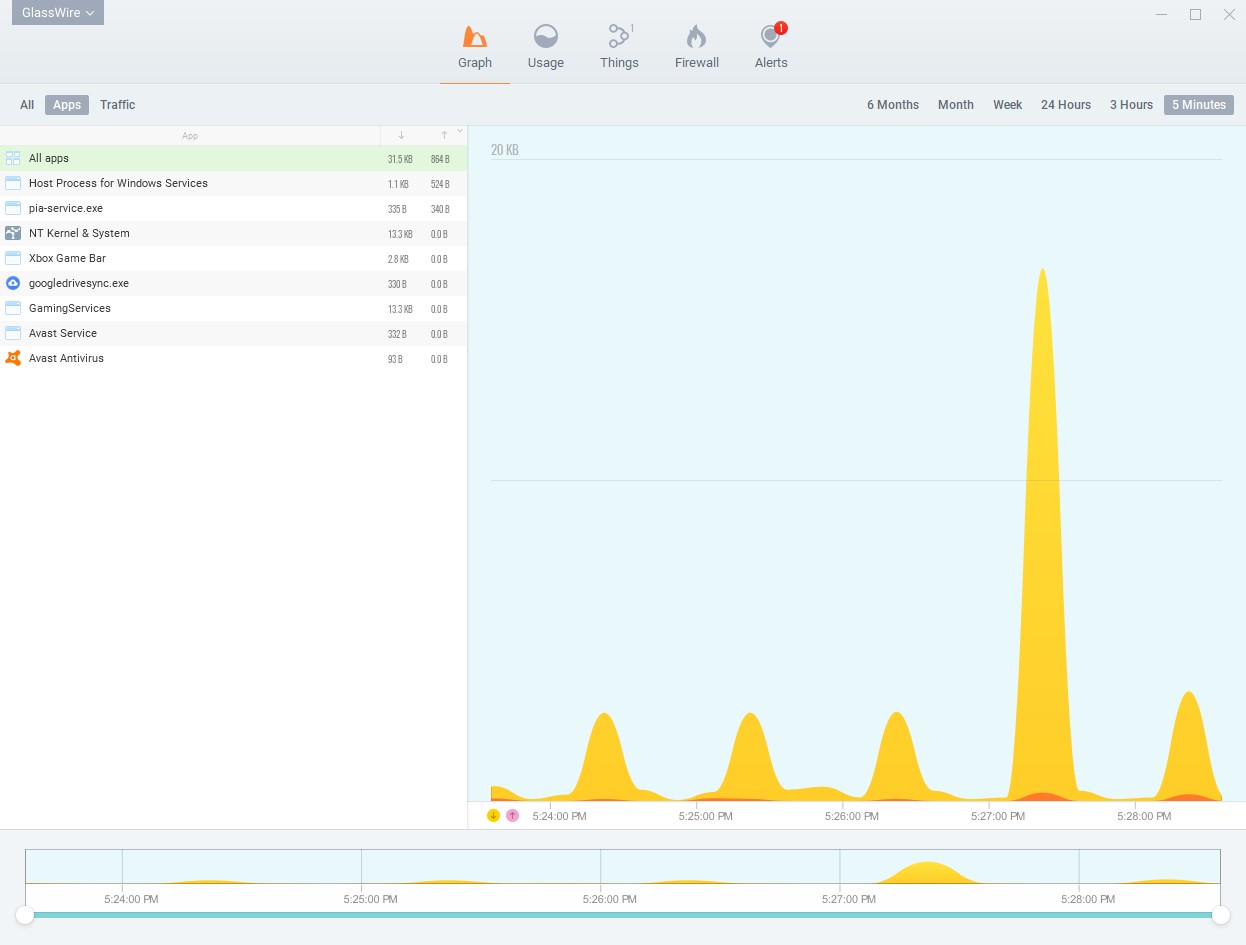
But task manager shows Glasswire Control Service consuming about one half of one logical processor:
It’s happening now. The graphs look pretty innocuous:
But task manager shows Glasswire Control Service consuming about one half of one logical processor:
If you disable Avast temporarily does the problem go away or is it the same?
Disabling Avast has no effect.
Please try our next update coming out in a few weeks. If you still have an issue let me know and we can provide a logging version of GlassWire that should be able to find and solve the issue.
This has just started happening. I had to reboot the PC as it was becoming unresponsive. Now the Idle Monitor is using an entire core of the CPU and there are 7 instances running.
Version number is 3.4.768
I have the same problem.
What version are you using?