Hello, I have just clean reinstalled GlassWire and when I try to log in I get this error in browser after signing in. The desktop app stays unsigned
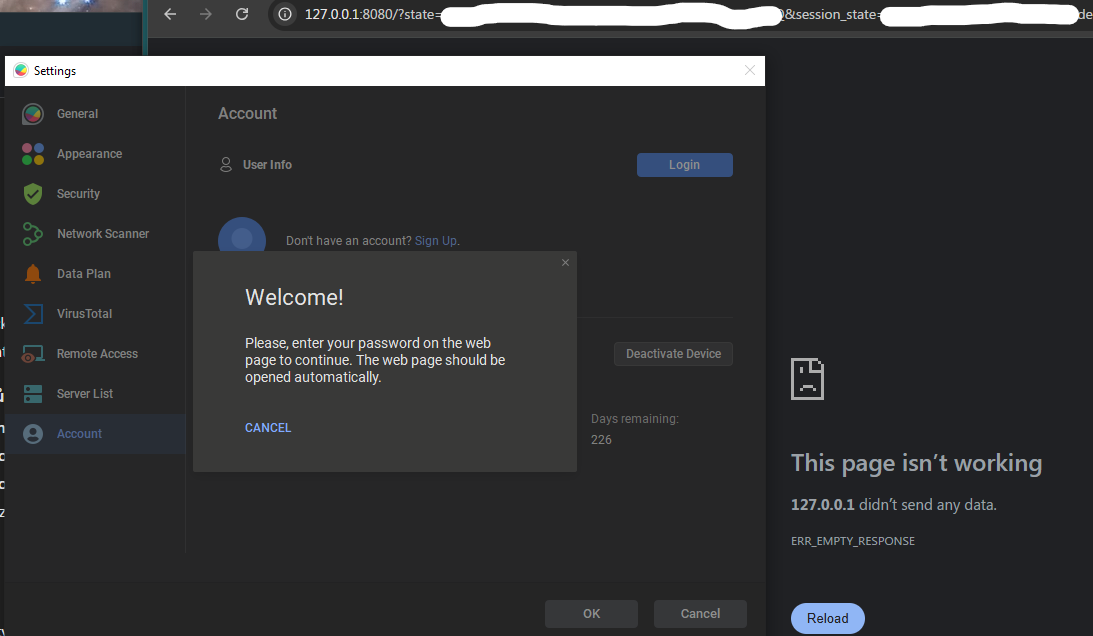
127.0.0.1 is the loopback address to your own machine. It should go to a glasswire.com host.
That would indicate something on your machine (host file or DNS) is redirecting the request.
Isn’t the GlassWire desktop app spinning up an endpoint at localhost to listen for the sign-in event? I thought that’s the case - I have experienced apps that do this.
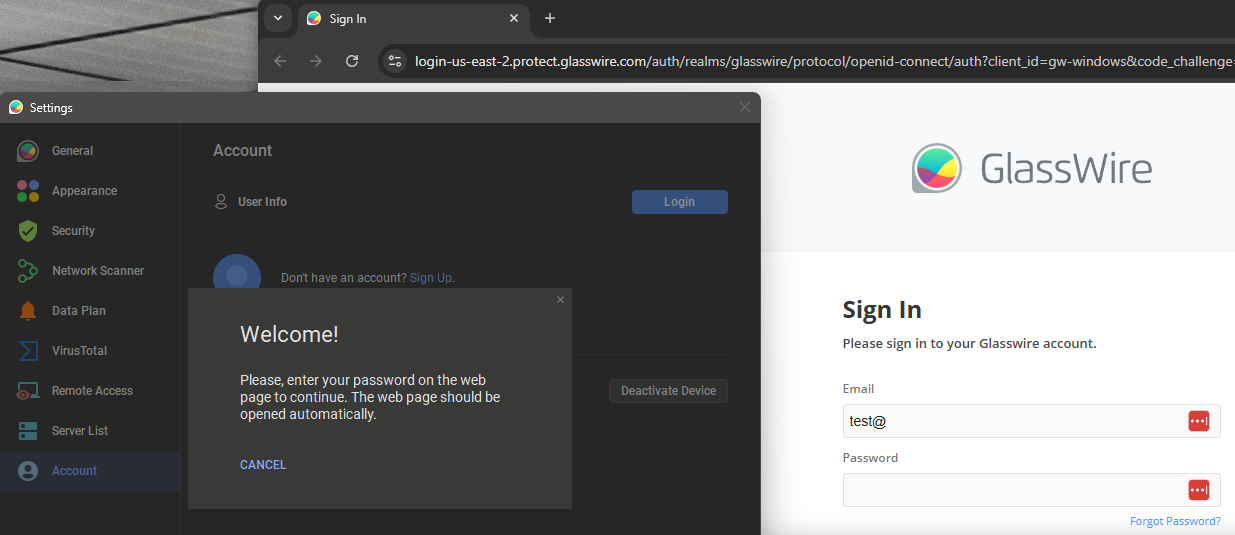
And after you sign in in the browser (like what you see), it redirected me to 127.0.0.1. You need to submit the login form. Anyway, after reinstalling, the issue went away.
1 Like