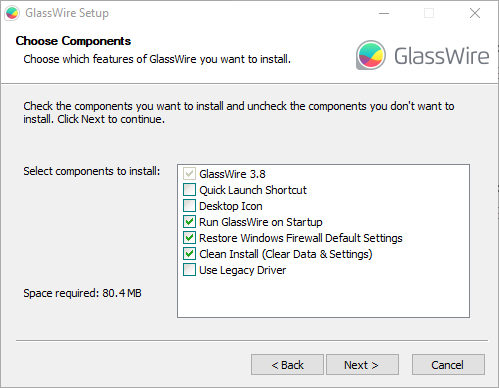
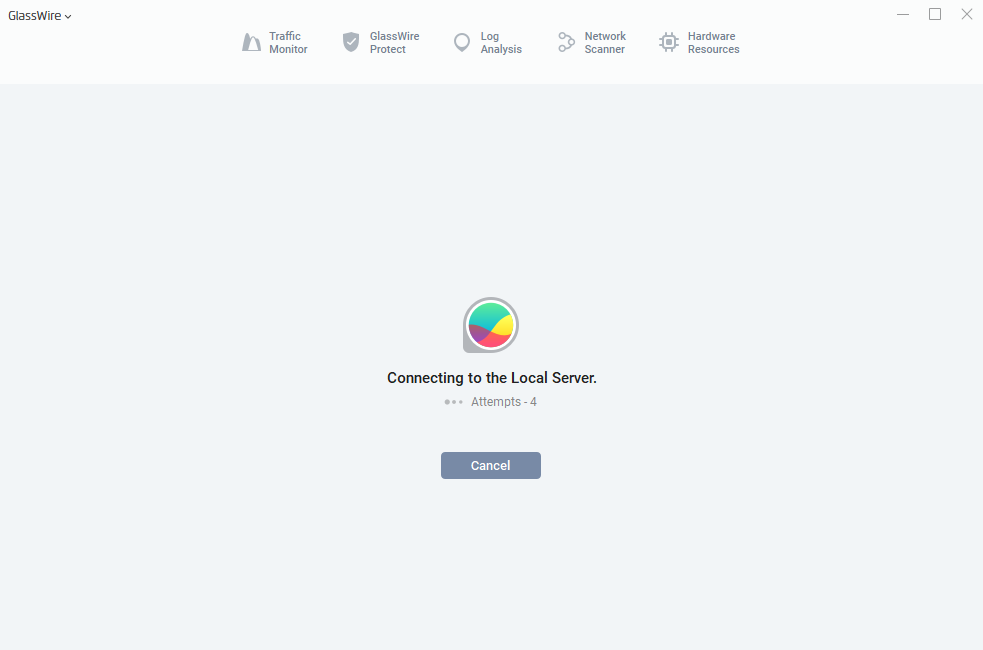
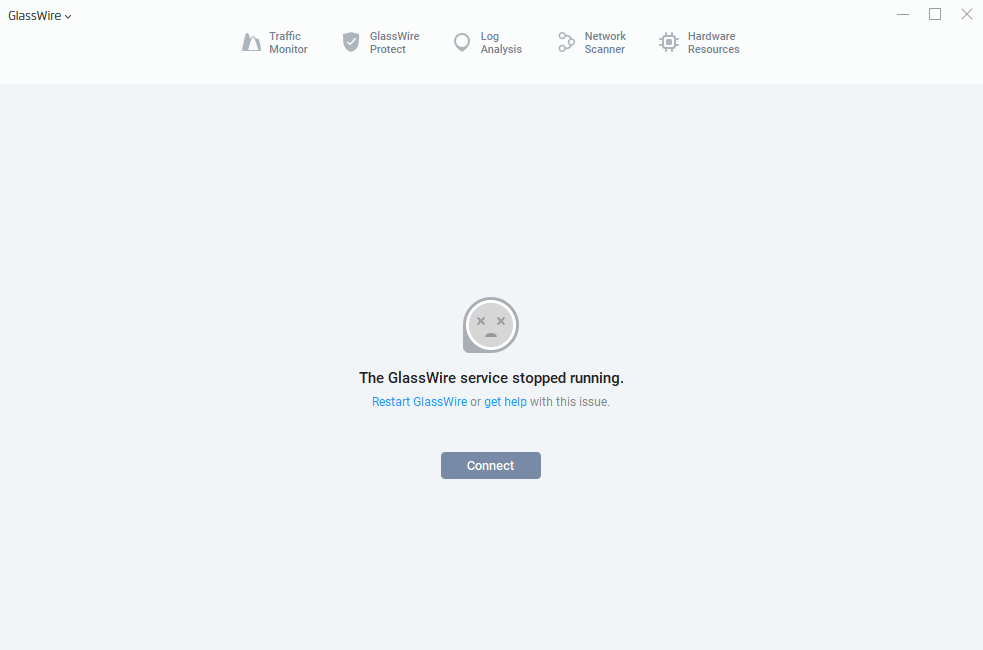
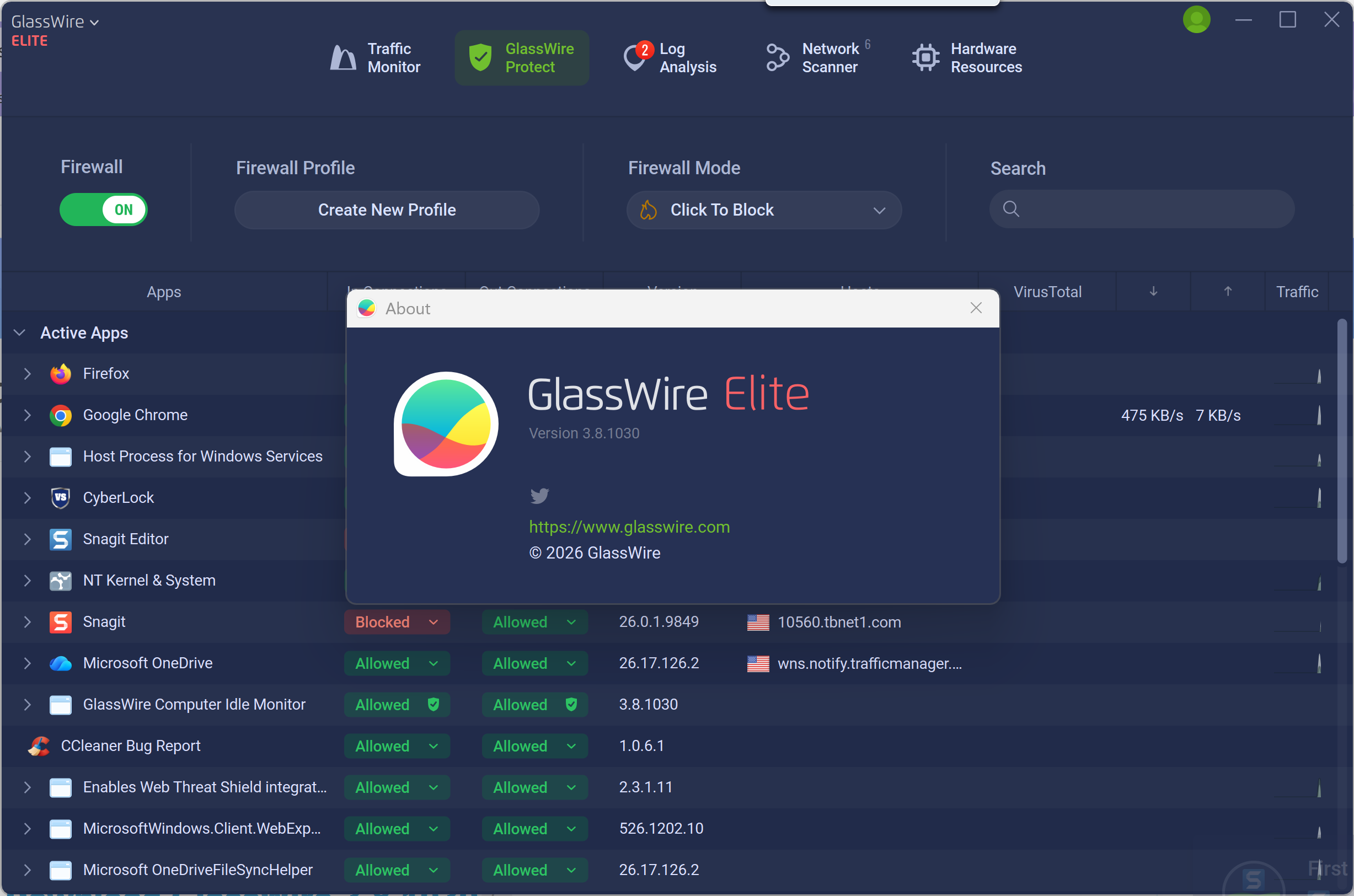
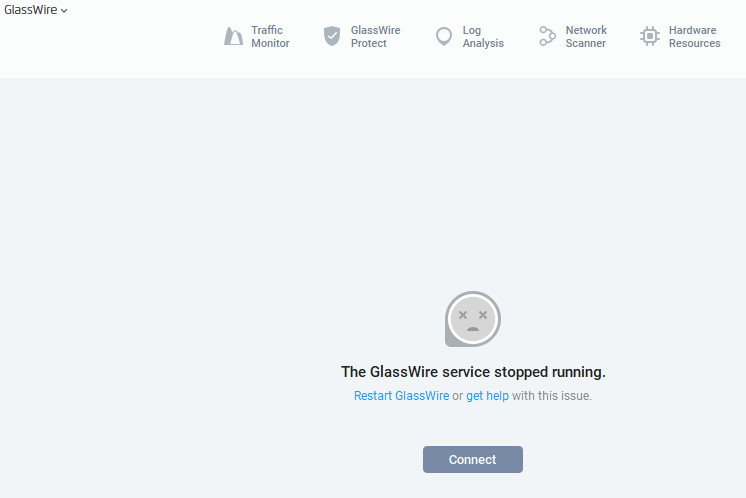
Windows 10 Update (Hotfix Released):
A hotfix addressing the Windows 10 service startup issue has now been released. Please download the latest 3.8 build here: GlassWire 3.8.1033
Hi everyone,
As promised, we now have a new build, GlassWire 3.8, ready for testing.
This version focuses primarily on stabilizing firewall behavior and resolving the Ask to Connect issues reported in this thread. It also includes several stability improvements and underlying updates.
We know this has taken longer than anyone wanted, and we truly appreciate the patience and persistence from everyone who’s stayed engaged and continued sharing feedback.
Download GlassWire 3.8.1033
Full changelog: GlassWire Software Version Changes List
You can install version 3.8 directly over your current version (no uninstall required).
Key Updates in This Build
-
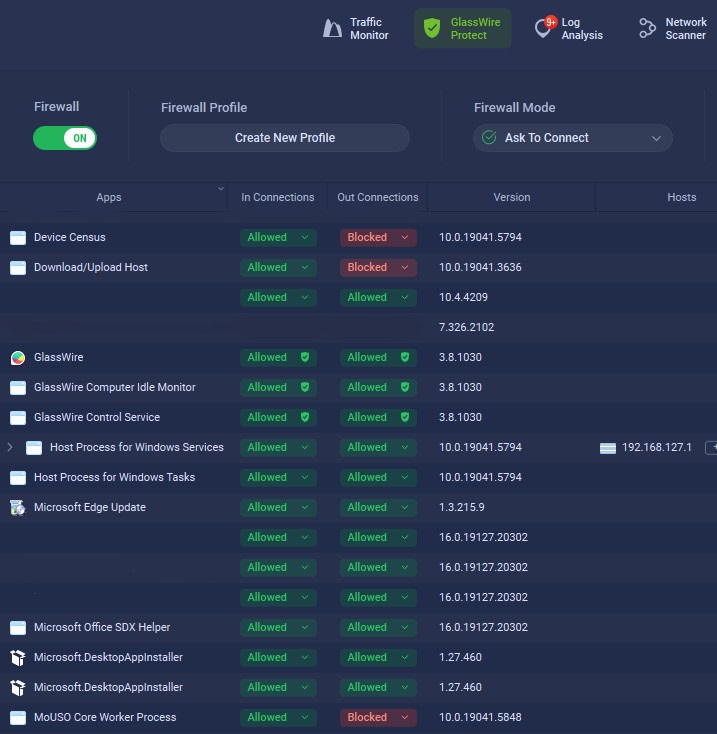
Fixed issues in Ask to Connect mode where apps could become blocked without showing a prompt and resolved missing notification scenarios to restore expected behavior.
-
Apps without traffic are now hidden in GlassWire Protect, and the Inactive Apps group has been restored for better clarity.
-
Introduces a new Hardware Resource feature with per-app usage breakdown to expand monitoring visibility.
-
Updated to the latest Windows Kernel Driver API to improve compatibility and system integration.
-
Fixed multiple crashes and UI issues, as well as other stability fixes.
There are additional bug fixes and improvements listed in the full changelog linked above.
Optional: Backing Up Your Current Data
If you’d like to create a backup before installing 3.8 (in case you decide to roll back), you can do the following:
-
Stop the GlassWire Service
-
Copy file
C:\ProgramData\GlassWire\service-fulltoC:\ProgramData\GlassWire\service-full-3.5.bak -
Install GlassWire 3.8
This preserves your current settings and configurations.
We Need Your Help
If you’re willing to test this build, we’d really appreciate your feedback.
In particular:
-
Is Ask to Connect behaving correctly now?
-
Are apps still being blocked without prompting?
-
Are you seeing any new crashes?
If something still isn’t right, please let us know:
-
Your Windows version
-
What behavior you’re seeing
-
Steps to reproduce (if possible)
Rollback Option
If you run into problems and need to revert, you can download the previous version here:
To Roll Back:
Option 1 (Simple Rollback)
Install 3.5 over 3.8 with the “Clean Install” option enabled.
Be sure to disable auto-updates afterward at:
Settings > General > uncheck Enable automatic version upgrades
Option 2 (Restore With Backup Data)
If you created a backup earlier and want to restore your previous data:
-
Stop the GlassWire Service (3.8).
-
Copy
C:\ProgramData\GlassWire\service-full-3.5.bakback toC:\ProgramData\GlassWire\service-full -
Install GlassWire 3.5 without the “Clean Install” option enabled.
This build is directly based on the feedback many of you have shared over the past several months, and we want to confirm it behaves as expected before making it the default version through auto-update.
Thanks again for sticking with us and helping us get this right.
– The GlassWire Team
 According to your download page the last version is 3.7.880 or is that version beta as well?