GlassWire should always uninstall properly simply by going to add/remove programs in Windows. However it appears this is not working for you for some reason that we are unable to figure out.
We have just made this detailed guide just for you on how to uninstall GlassWire manually if our uninstaller fails somehow.
First quit the GlassWire application.
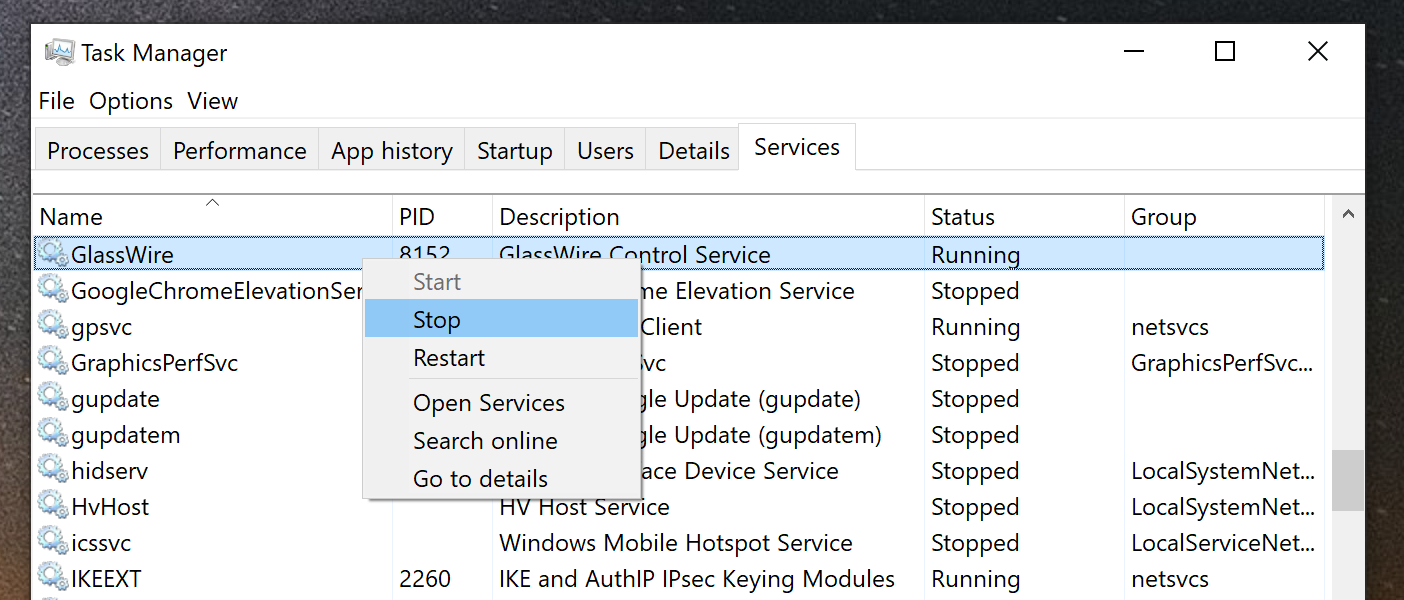
Next stop the GlassWire service from the Services tab of the Task Manager.
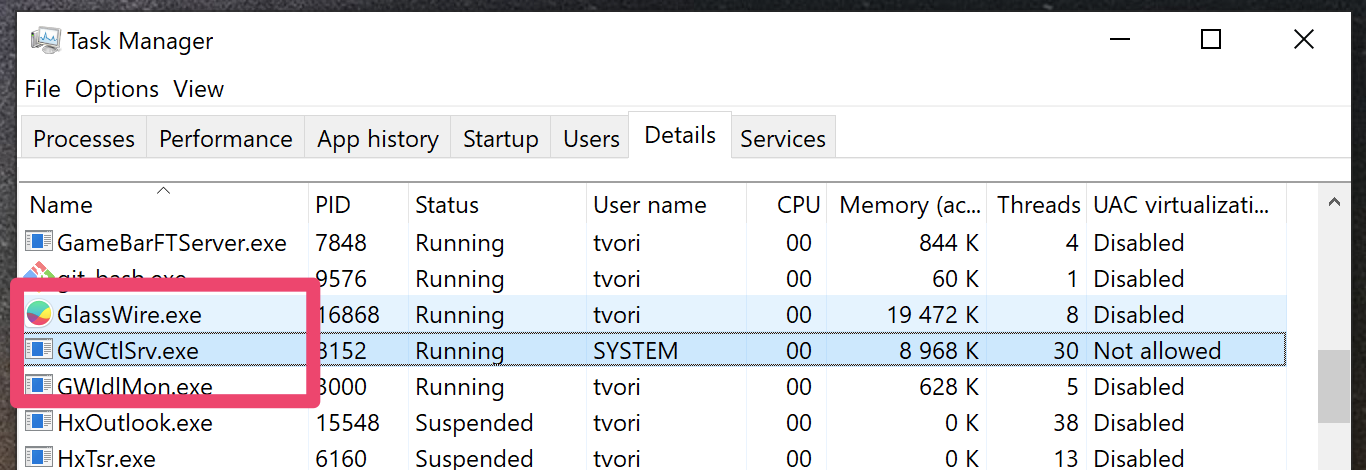
Check that there are no GlassWire processes left on the Details tab of the Task Manager.
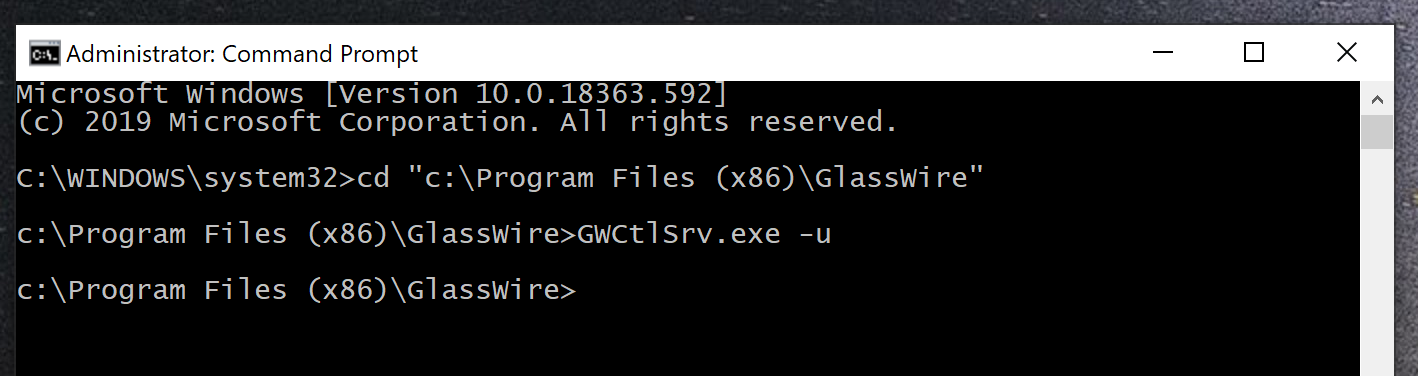
Run cmd.exe as Administrator.
Open the GlassWire installation directory: cd “C:\Program Files (x86)\GlassWire”
Uninstall the GlassWire Service: GWCtlSrv.exe -u
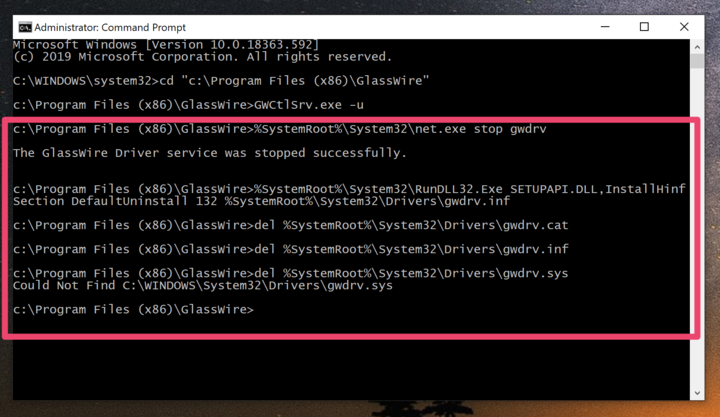
Uninstall the GlassWire driver executing the following commands one by one:
%SystemRoot%\System32\net.exe stop gwdrv
%SystemRoot%\System32\RunDLL32.Exe SETUPAPI.DLL,InstallHinfSection DefaultUninstall 132 %SystemRoot%\System32\Drivers\gwdrv.inf
del %SystemRoot%\System32\Drivers\gwdrv.cat
del %SystemRoot%\System32\Drivers\gwdrv.inf
del %SystemRoot%\System32\Drivers\gwdrv.sys
Delete the GlassWire installation directory.