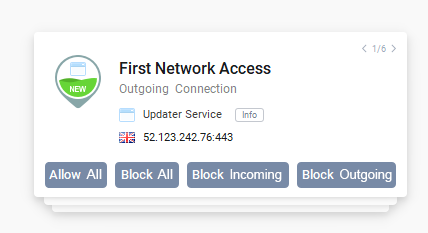
Hello, I’d like to offer another suggestion. We very often need to search for the name of an executable file on the internet, either to find out what it is, or to ask whether it’s necessary to allow connections (especially inbound connections) for that application. Currently, to do this, you have to click once to show the details, then click the “…” button to open the menu, and click once more on “Copy” or “Search online”.
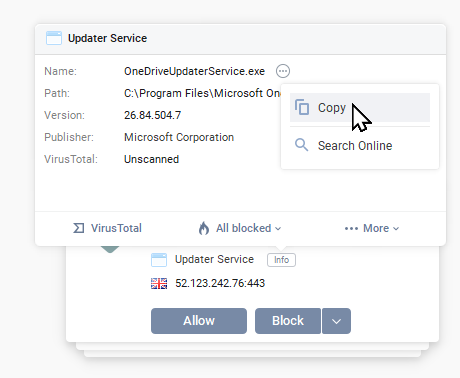
Would it be possible to add the “Copy” (the executable file name) and “Search online” buttons directly next to the application name in the alert? This would save a lot of clicks when receiving a large number of alerts. For example, it could look like that:
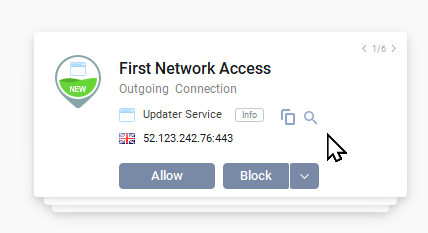
And also, could we have the “Block All” and “Block Incoming/Outgoing connections” buttons directly in the alert? For example :