It can’t just be me that in the actual monitor that VirusTotal is indicating 1/70 for the Glasswire.exe itself? And when I ran the most recent installer that you can download now on the site, also another 1 positive as “Trojan.Jaik.” Would just like some info or statement on this especially that I paid for the pro.
Edit: I forgot to mention, for the actual in-monitor analysis VirusTotal indicated “BScope.Trojan.Ditertag” for C:\Program Files (x86)\GlassWire\GWIdlMon.exe
To be fair people freak out with 1/70 on VT on this forum all the time. Most of the time it is some sh.ty less known engine that’s prown to fp. Not sure how many times you would have to report that to the AV vendor till the next signature updates runs amok again.
@AlphaBravo Where did you get the installer from?
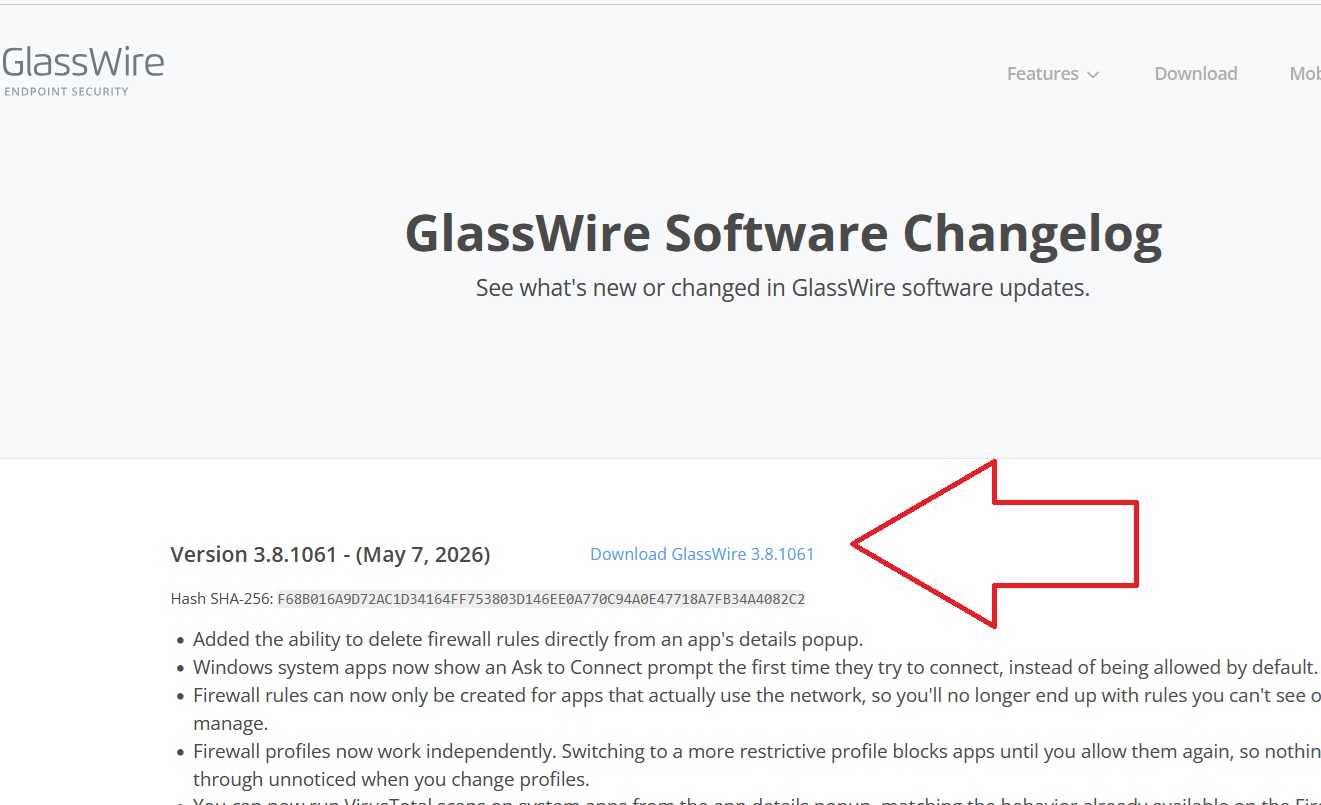
If you got it from the big download button the hash will never match since it changes thanks to their inbaked tracking/telemetry.
Get it from
The hash will check out and its only 1/60 with some sh.ty engine flagging it.
If I doubt a file I would also try:
And if it’s signed (because WLCloud doesn’t like unsigned).
Just remember WLCloud only says “Known safe” and “Not Safe”. “Not Safe” Scan Results do not necessarily indicate the file is malicious, we are simply unable to confirm it is safe. So if it says “known safe” I’m done otherwise I use Kaspersky from above.
@Huda_GlassWire Maybe consider finding a way to do tracking while keeping the listed hash intact. I can remember over the time quite some posts about people panicing about missmatched hashes and/or 1/60 on VT.
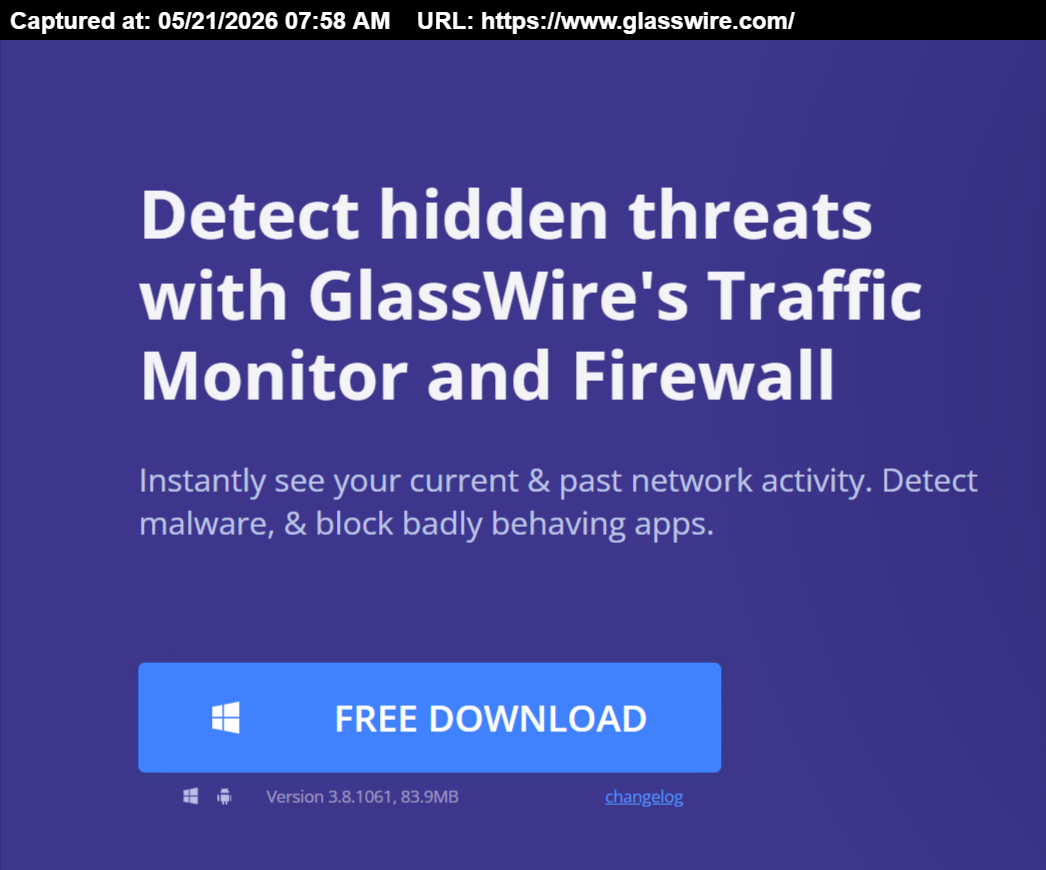
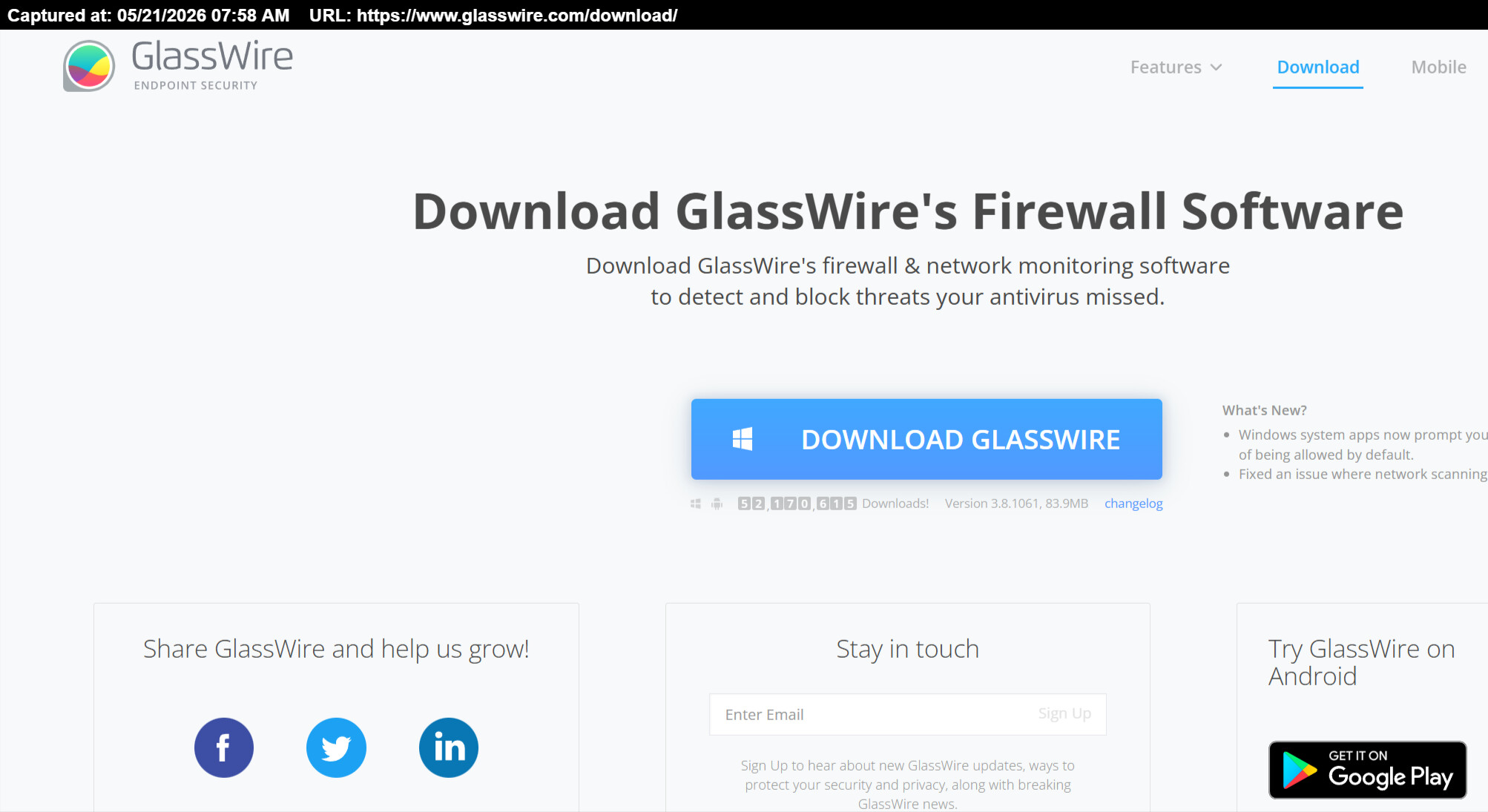
Thanks for the responses. I downloaded from the official website. But keep in mind there are two places to download (not sure why, not my fault) and I had downloaded from both. The first time I downloaded from the landing page. Second time I had to see what was going on with the firewall, uninstalled, then re-downloaded from the link of the upper right corner top of the landing page where it says “Download” which took you to that other page with another download link. Why have two different installers? I don’t know but it would seem safe to assume they are the same files just changed in link location, but maybe not? Hopefully ya’ll didn’t get hacked and then I now got it in my system. I’ll see if I can post screenshot below this reply.
assuming the two installers have the same size in bytes, to check if they are the same file you should compare their hashes. If I’m not wrong VirusTotal shows the hashes for the files you submit to them.
As per the other thread. The main home page version is modified with dynamic tracking so that GlassWire can report on marketing campaigns.
It’s not a great look for a security product. Supply chain attacks are thing and there have been cases of malicious web ads serving compromised executables. Being able to check the integrity of the download is important.
No I understand that one can see the hashes. When I said safe to assume, meaning AD HOC, it’s ya’lls website, why go through the troubles of putting up two HREF links with two different installers? Unless it was hacked? To be fancy on the website layout? lol, point being, it was safe to assume they were the same download because it would be professional to have the same latest version offered with the same HREF, just coded elsewhere in the layout or different index.html page.
I’m not from GlassWire’s staff, I’m neither a GlassWire’s user and, as user ittroll has pointed out in the above post, one of GlassWire installer is dynamically tracked for marketing purpose, also explained by Andrea_GlassWire here SHA256 Mismatch - #10 by Andrea_GlassWire and subsequent posts. In my opinion it would be advisable for GlassWire’s developers to explain this clearly on download webpage so a user can choose which installer prefers to download, also for transparency. Otherwise this just causes confusion, as with the files’ hashes issue.
I just noticed that there are 3 different webpages where you can download the installer. As I mentioned above, it would be appropriate for the developers to add a note, maybe near the “Download” button, on the webpage (or the webpages) where the dynamically tracked installer is downloadable.
Moreover in the second link they should correct the webpage / link title as the firewall is included only in Premium version which is subscription-based, not free of charge. Pasting that webpage URL here has shown that wrong info.