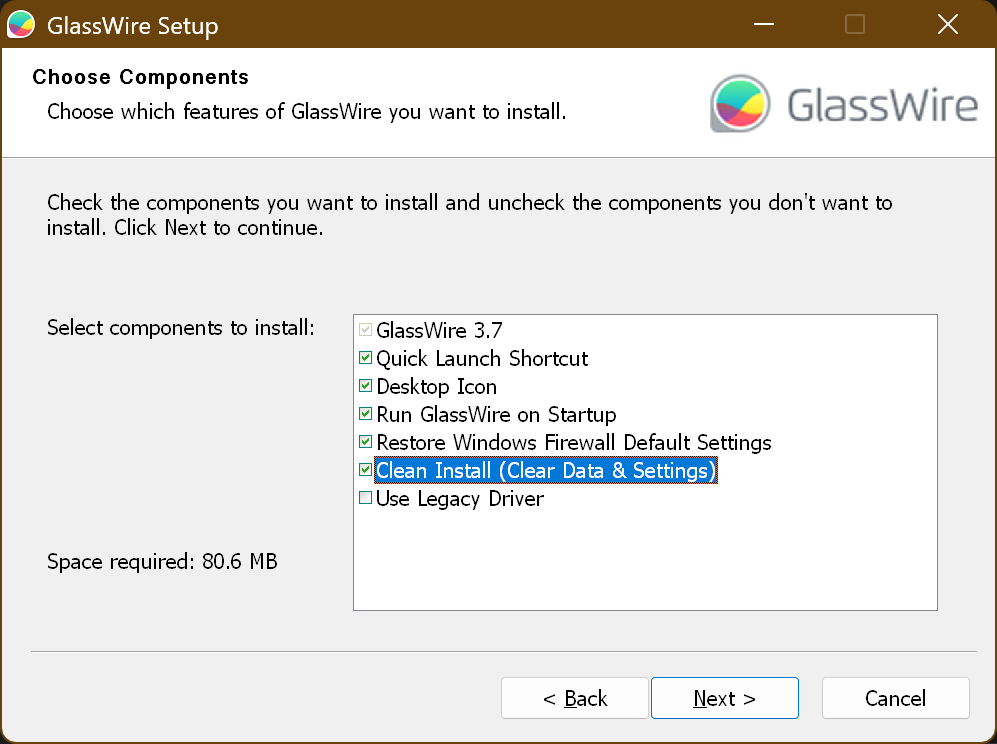
Icon from set v Access the config file is existing I changed permission ones to take and look into it while was analyzing this log and threes and checking the configuration after ?
Well the log file reading require me to change permission of “C:\ProgramData\glasswire\service-full\log\update” I Chuck again and i can see the configuration fire get recreated after deleating the Data fuldus
[EVENT] Setup API initialization: 3.8.1033.0.FULL, path: C:\Users\Mike\AppData\Local\Temp\~nsu1.tmp\Un.exe
[HINT] QuitApplication:34
[HINT] glasswire::process::`anonymous-namespace’::GetTerminateProcessHandle:258: OpenProcess() returns error: 87
[HINT] glasswire::process::`anonymous-namespace’::GetTerminateProcessHandle:277: OpenProcess() returns error: 87
[HINT] glasswire::process::WaitProcess:711: Process not found: 32500
[HINT] glasswire::process::`anonymous-namespace’::GetTerminateProcessHandle:258: OpenProcess() returns error: 87
[HINT] glasswire::process::`anonymous-namespace’::GetTerminateProcessHandle:277: OpenProcess() returns error: 87
[HINT] glasswire::process::TerminateProcessId:651: GetTerminateProcessHandle(). Process not found: 32500
[HINT] ClearFirewallRules:85
[HINT] glasswire::libsetup::core::GetDefaultSettings:40: config file created: C:\ProgramData/glasswire/service-full/glasswire.conf
[HINT] HTTP 200: https://api-us-east-2.protect.glasswire.com/api/v1.1/agent/event. Response body: “”
[HINT] SendUninstallEvent:220: success: true
[HINT] ResetCloudAccount:123
[ERROR] glasswire::libsetup::endpoint::full::CloudEndpointFull::ResetAccount:108: settings not found: C:\ProgramData/glasswire/service-full/glasswire.conf
[EVENT] Setup API cleanup: 3.8.1033.0.FULL
[EVENT] Setup API initialization: 3.8.1033.0.FULL, path: C:\Users\Mike\Download\GlassWireSetup(2).exe
[HINT] IsInstallationAllowed:43: allowed: true
[HINT] IsLegacyDriverEnabled:282: status: false
[HINT] ClearServiceData:76
[HINT] ClearFirewallRules:85
[HINT] glasswire::libsetup::core::GetDefaultSettings:40: config file created: C:\ProgramData/glasswire/service-full/glasswire.conf
[HINT] SetPathAdminPermissions:110: path: C:\Program Files (x86)\GlassWire
[HINT] glasswire::libsetup::conversion::DbHandler::GetDbFilepath:60: does not exist: C:\ProgramData/glasswire/service-full/glasswire.conf
[HINT] glasswire::win::ReadRegString:24: unable to open type: 3, key: System\GlassWire, name: CloudDeviceId
[HINT] glasswire::win::ReadRegString:24: unable to open type: 3, key: System\GlassWire, name: CloudCurrentServer
[HINT] glasswire::libsetup::conversion::DbHandler::GetDbFilepath:60: does not exist: C:\ProgramData/glasswire/service-full/glasswire.conf
[HINT] glasswire::libsetup::conversion::DbHandler::GetDbFilepath:60: does not exist: C:\ProgramData/glasswire/service-full/glasswire.conf
[HINT] glasswire::libsetup::conversion::DbHandler::GetDbFilepath:60: does not exist: C:\ProgramData/glasswire/service-full/glasswire.conf
[HINT] glasswire::libsetup::conversion::DbHandler::GetDbFilepath:60: does not exist: C:\ProgramData/glasswire/service-full/glasswire.conf
[EVENT] ConversionChain8 check conversion: false
[EVENT] ConversionChain7 check conversion: false
[EVENT] ConversionChain6 check conversion: false
[EVENT] ConversionChain5 check conversion: false
[EVENT] ConversionChain4 check conversion: false
[EVENT] ConversionChain3 check conversion: false
[EVENT] ConversionChain1 check conversion: false
[EVENT] ConversionChain0 check conversion: false
[HINT] IsDataConversionRequired:54: conversion required: false
[HINT] InitUtmTagsFromFile:239: tags: , path: C:\Users\Mike\Download\GlassWireSetup(2).exe
[HINT] InitInstallId:248: install id: XXX
[HINT] RegisterCloudServer:186: registered server: us-east-2
[HINT] HTTP 200: https://api-us-east-2.protect.glasswire.com/api/v1.1/agent/device/register. Response body: “{\“id\”:\“3e68f722-aa13-4ed9-8ce1-fc0e866cc803\”}”
[HINT] RegisterCloudDevice:139: registered endpoint id: 3e68f722-aa13-4ed9-8ce1-fc0e866cc803
[HINT] HTTP 200: https://api-us-east-2.protect.glasswire.com/api/v1.1/agent/event. Response body: “”
[HINT] SendInstallEvent:209: success: true
[HINT] DisableLegacyDriver:274
[EVENT] Setup API cleanup: 3.8.1033.0.FULL
[EVENT] Setup API initialization: 3.8.1033.0.FULL, path: C:\Users\Mike\AppData\Local\Temp\~nsu1.tmp\Un.exe
[HINT] QuitApplication:34
[HINT] glasswire::process::`anonymous-namespace’::GetTerminateProcessHandle:258: OpenProcess() returns error: 87
[HINT] glasswire::process::`anonymous-namespace’::GetTerminateProcessHandle:277: OpenProcess() returns error: 87
[HINT] glasswire::process::WaitProcess:711: Process not found: 56148
[HINT] glasswire::process::`anonymous-namespace’::GetTerminateProcessHandle:258: OpenProcess() returns error: 87
[HINT] glasswire::process::`anonymous-namespace’::GetTerminateProcessHandle:277: OpenProcess() returns error: 87
[HINT] glasswire::process::TerminateProcessId:651: GetTerminateProcessHandle(). Process not found: 56148
[HINT] ClearFirewallRules:85
[HINT] HTTP 200: https://api-us-east-2.protect.glasswire.com/api/v1.1/agent/event. Response body: “”
[HINT] SendUninstallEvent:220: success: true
[HINT] ResetCloudAccount:123
[EVENT] Setup API cleanup: 3.8.1033.0.FULL
Yes, to access this (sub)folders you have to a love are press and interactive continue button from Windows To confirmation access. So Now delete Folder C:\ProgramData\glasswire\ and Meda a clean Installation.


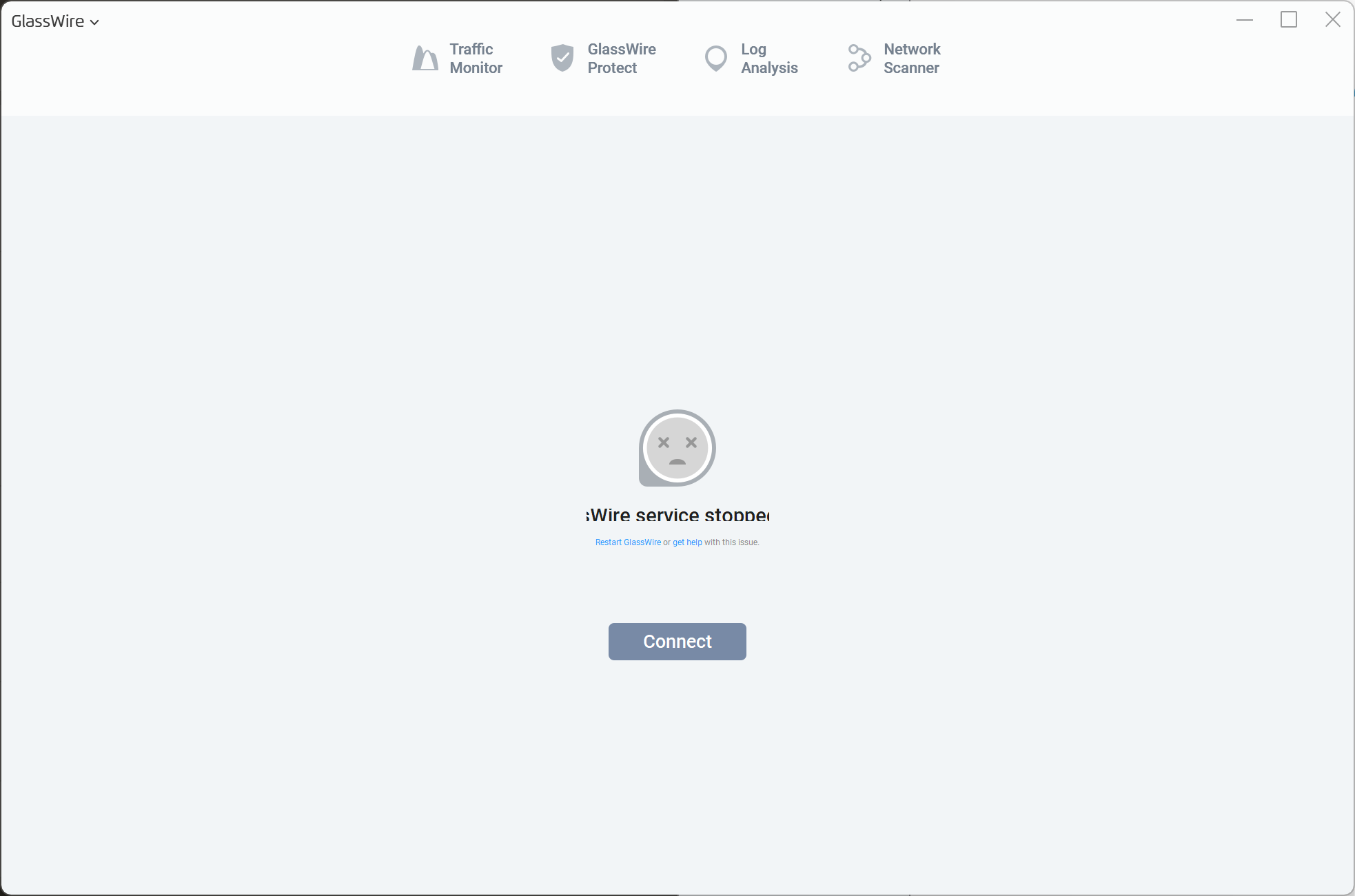
 .. but finally its working. I just uninstalled glasswire, deleted all folders from program files + program data, installed older version - link was in another thread on this forum. Old version started correctly, then updated itself to newest and its working just fine.