Thanks for (IMNSHO) this quite tardy response. This thread has been going on for over 3 weeks with a lot of frustrated users chiming in and no useful responses from GlassWire until now. I have responded to your new thread in “GlassWire General”. But for the benefit of anyone who is just following the thread I started here, following is how I responded.
Thanks for the long-overdue post explaining how things work in “Ask to connect”. However, I do have a few comments:
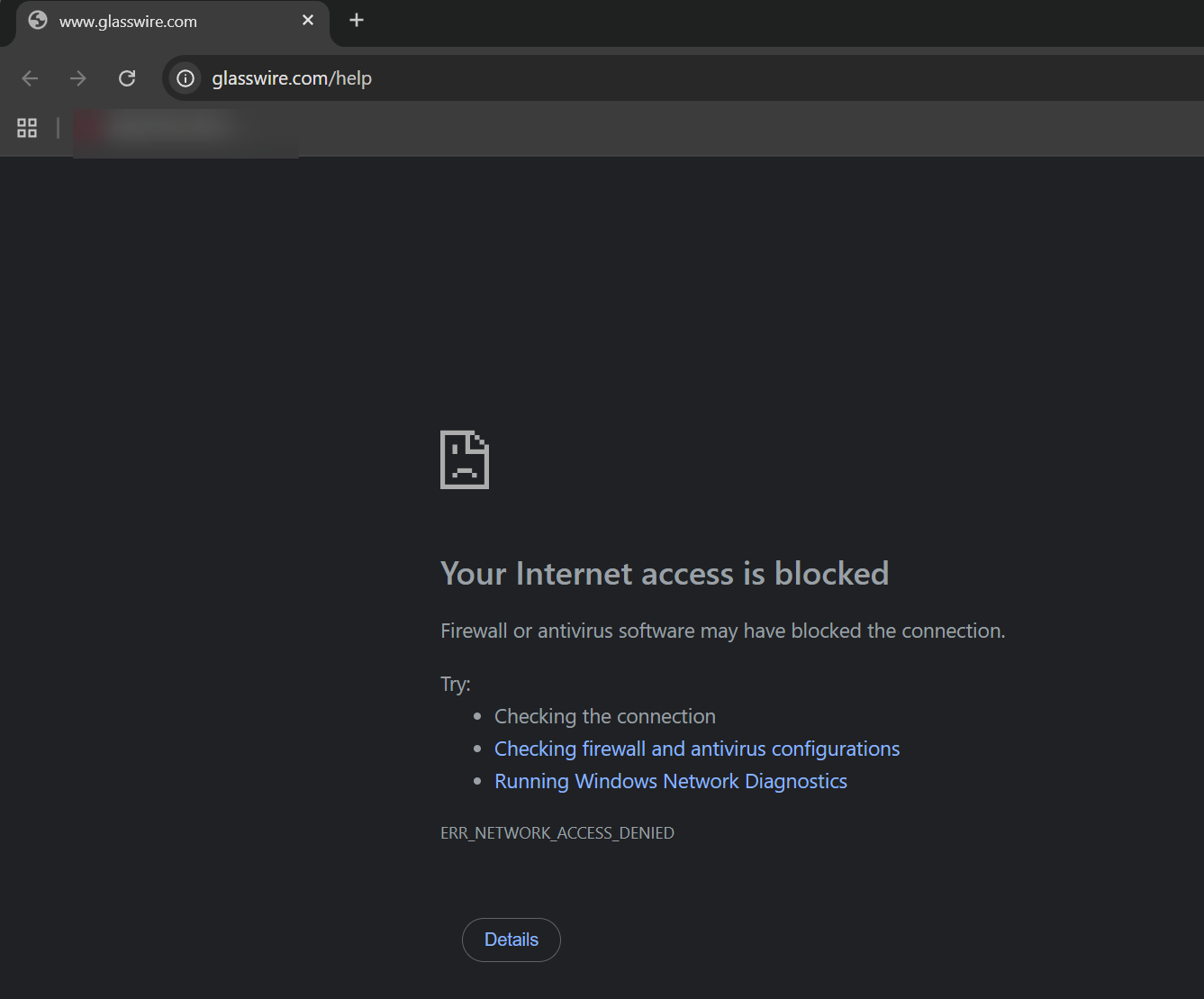
I see quite frequently programs like Microsoft Quick Assist fail due to “Microsoft Edge Webview2” being blocked. IF I ever see a GlassWire prompt asking me if I want it to be allowed, I FOR SURE allow it - I know just how disruptive it is to have this blocked. Microsoft Quick Assist - when it fails - will never tell you that it is failing because Microsoft Edge Webview2 can’t access the Internet. I am 100% sure there are times when I do not get a GlassWire prompt asking me if I want to allow Microsoft Edge Webview2. When I use Quick Assist and it fails, I now know to just go to GlassWire Protect and unblock the inevitably blocked Microsoft Edge Webview2 and restart Quick Assist,
Likewise, when I discover that Google Drive is not syncing, I go to GlassWire Protect and unblock it. This is a more insidious problem because I am much less likely to realize that Google Drive is just silently failing to sync. I swear at GlassWire when I go to another computer, expecting my Google Drive files to have been synced from changes I made recently on my main computer only to find the files never got synced from my main computer to Google’s cloud. I swear very loudly when I am not near to my main computer and can’t fix the problem by unblocking Google Drive there. Such as when I am giving a presentation Protecting your PC to a group of people at a branch of the Ottawa Public Library (which I have given over 100 times), in which—ironically—I mention how people can use GlassWire as one of the layers to protect themselves.
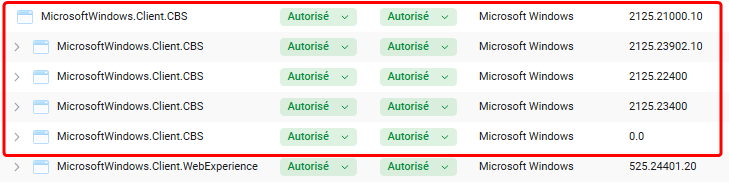
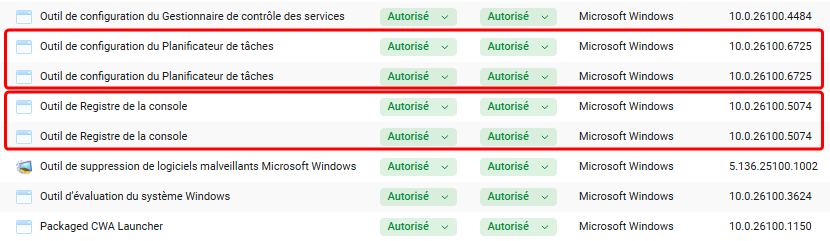
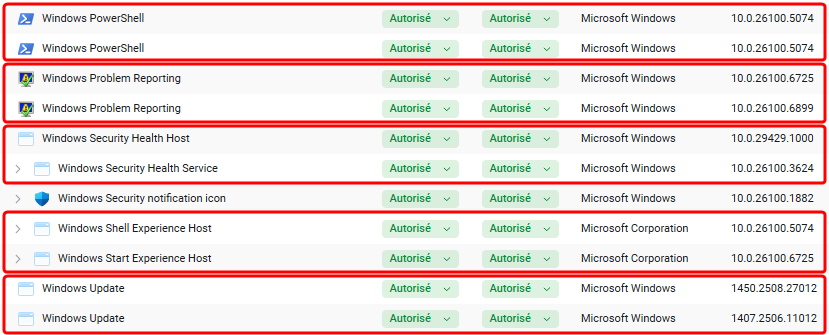
An issue I see with the current behaviour is (as explained by you) is that there is no way I can tell from looking at the list of blocked apps in GlassWire Protect - which of them are blocked by default and will (I can only hope) pop up and ask me if I want to allow them when they first access the netwoark and which of them are blocked because I got a popup and told GlassWire I didn’t want the program to access the network.
I would much prefer if programs didn’t show up on the list until I explicitly allow them or deny them. Any program not on the list should not appear on the list until they try to access the network! I really don’t care if program XYZ doesn’t show up IF it hasn’t tried to access the network. And when it does try to access the network, it should show up as “Allowed” if I answered the GlassWire popu to say I wanted it allowed. It should show up as “Blocked” If I answered the GlassWire prompt saying I wanted it blocked. If I don’t answer the prompt, it should be blocked but not show up on the list. The next time it tries to access the network, I should get the GlassWire prompt.
I think the only mode that makes sense for GlassWire - from a true protection point-of-view - is “Ask to connect”. I am not interested in any other mode as that is the only mode that will truly protect me should I get a rogue program on my computer.
I have been living with this craziness in 880, but it really is driving me nuts. I am seriously close to going back to an earlier version and sticking with that until it GlassWire no longer works. At which point, I will just uninstall GlassWire and be done with it.

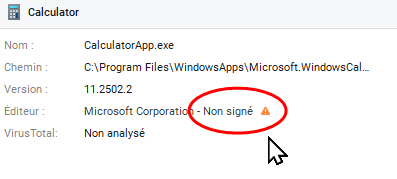
 for unsigned apps, it was useful also. Now you have to click on the app to see it: